
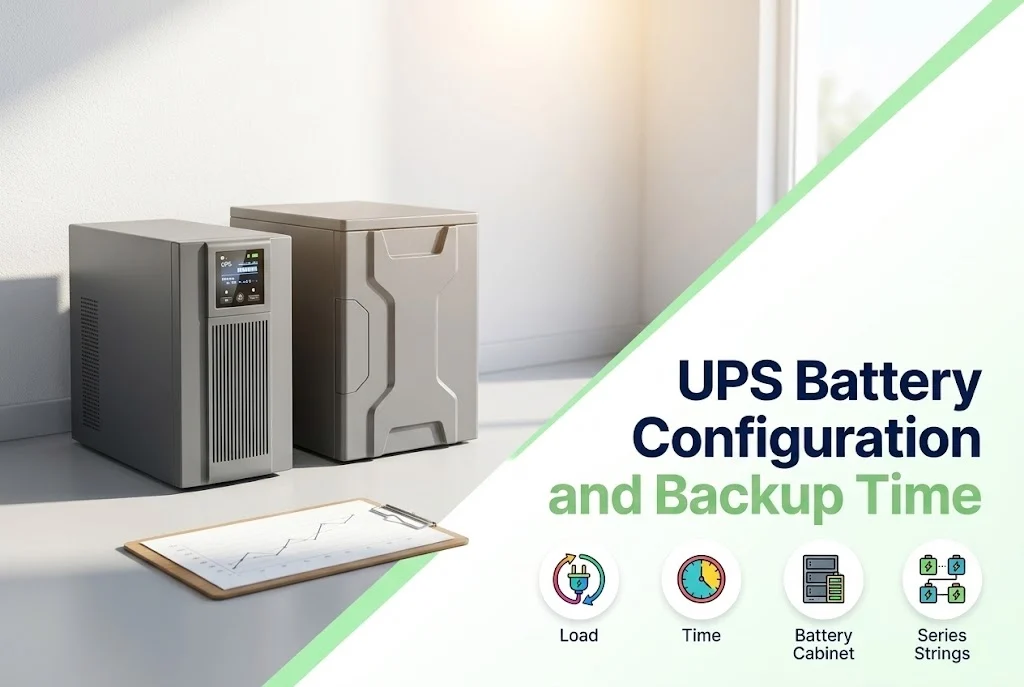
The UPS gives the power quality, but the batteries decide how long it runs when the supply is gone. The same UPS can give a few minutes with its built-in batteries or hours with an external battery cabinet.
Choosing the configuration starts from a simple question: how long must the equipment keep running?
Key takeaways
- Backup time depends on the battery capacity and the load.
- Built-in batteries give minutes; external battery cabinets give longer.
- Batteries are connected in series to reach the DC voltage the UPS needs.
- Heat and age shorten the real backup time.
Start from the time you need
For a computer, a few minutes to save and shut down may be enough. For a network room or a shop that must keep trading, the target may be longer, or long enough for a generator to start. The longer the time, the larger the battery.
How the batteries are connected
A UPS runs from a DC bus of a fixed voltage, so several batteries are connected in series to reach it. To get more energy, more than one such string is connected in parallel, or a larger battery is used. The maker’s data gives which configurations the UPS accepts.
- Sealed lead-acid (VRLA) batteries are the common choice.
- Lithium batteries are available for some UPS models and last longer, at a higher cost.
- Batteries in one string should be the same make, type and age.
What changes the real backup time
- A higher load drains the battery faster than a lower load.
- A hot room shortens battery life.
- An old battery holds less than a new one.
- A battery that has not been charged fully gives less.
Testing and replacement
The backup time shown on the datasheet is for a new battery at a given load. Test the real time from time to time, and have the batteries checked in maintenance. Replacing the batteries on schedule is cheaper than a failure.
When to call us
Tell us the load and the time you need and we will size the batteries. Use the quote page, see our commercial UPS solutions, or look at the batteries we supply.


Leave a comment