
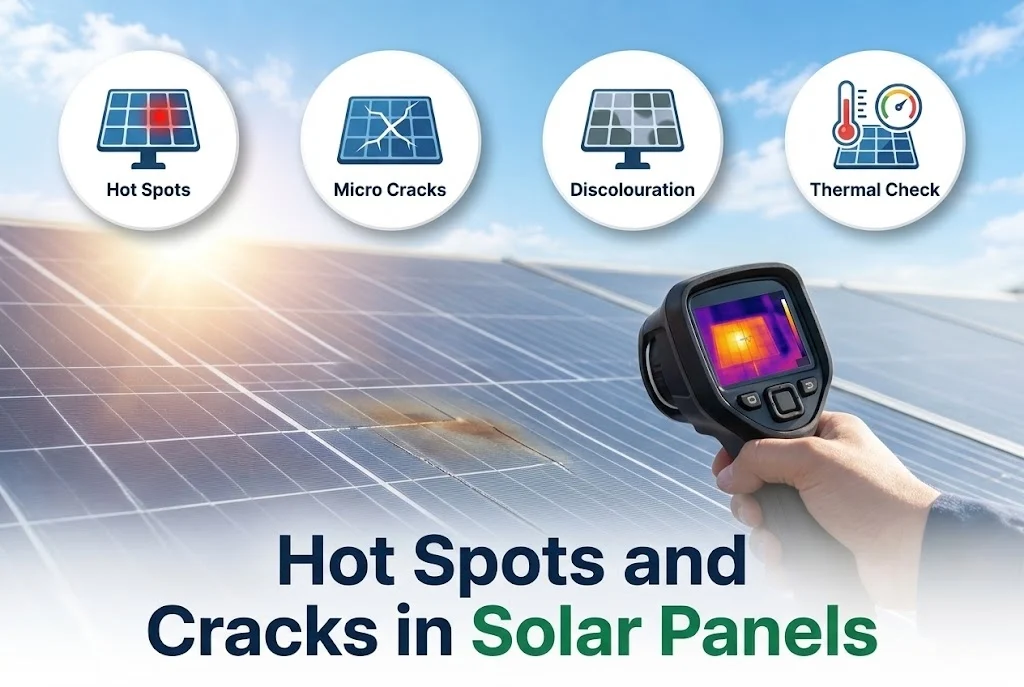
Panels are tough, but not indestructible. Cracks, heat damage and failing cells can reduce output and, in rare cases, create a safety risk. Many of these faults are invisible from the ground, but some signs can be seen, and a technician can find the rest.
Key takeaways
- A hot spot is a small area of a panel that gets much hotter than the rest, usually because of shade, dirt or a damaged cell.
- Cracks may be visible, or hidden microcracks may show only with special tests.
- Browning, burn marks, delamination and a failed junction box are signs to act on.
- A thermal camera on a bright day is the usual tool to find hot spots.
1. What a hot spot is
When part of a panel is shaded or a cell is damaged, it cannot carry the current of the others. It then turns some power into heat, and that spot can become very hot. Bypass diodes in the panel limit the effect, but a lasting hot spot can damage the cell and the backsheet over time.
2. Common causes
- Persistent shade from a tank, wire, tree or bird droppings.
- Dirt that builds up in one area, especially at the lower edge.
- A cracked cell or a poor solder joint.
- A faulty bypass diode or a loose connection.
3. Signs you can see
From the ground or from a safe place, look for cracks in the glass, a pattern of cracks on one cell, browning or dark marks on the cells, bubbles or peeling at the edges, and a damaged junction box. Do not walk on the panels, which can cause microcracks. Compare panels in the same row.
4. Signs in the data
A string that produces less current than its neighbours, or a panel that is much cooler or hotter in a thermal image, points to a problem. A drop in output without a clear cause is explained in why your solar system is producing less power.
5. How a technician checks
A thermal (infrared) camera, used on a bright day with steady light, shows hot spots clearly. Other tests include measuring string voltage and current, and in some cases an electroluminescence image, which shows microcracks. The results tell whether a panel can stay or must be replaced.
6. What to do
Clean the panels and remove the shade first, since a temporary cause is common. If a hot spot or crack stays, ask for a check, and keep photographs and the data for any warranty claim. See solar panel warranty explained.
Next step
If you suspect damaged panels, contact us through the contact page or see our maintenance service.
Leave a comment