
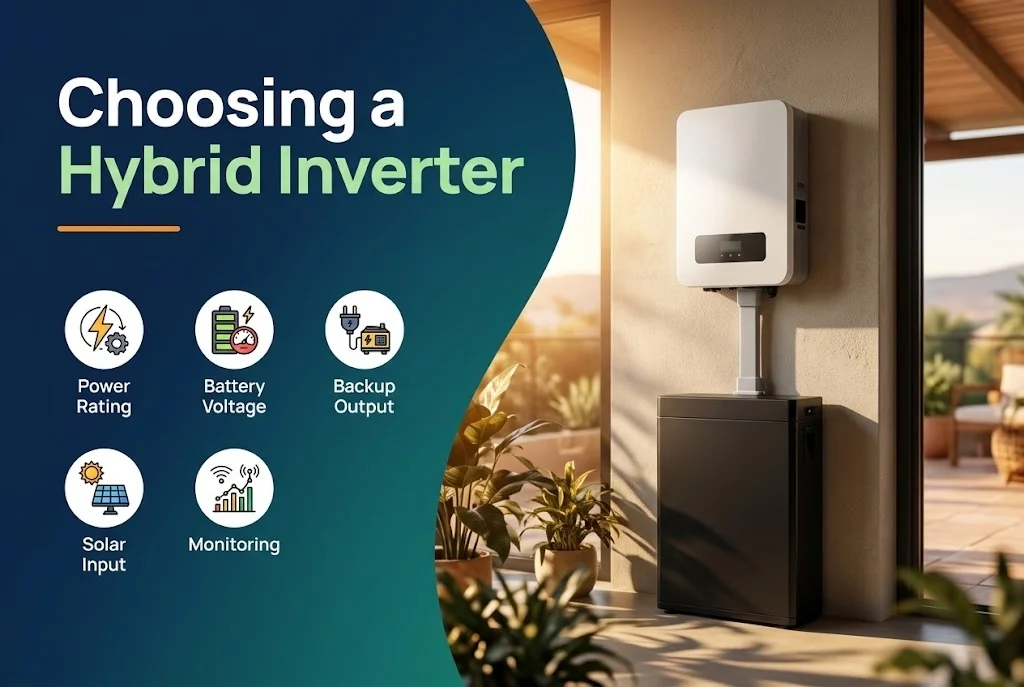
A hybrid inverter does the work of a solar inverter, a battery charger and a backup power source in one box. Because it ties so many functions together, the choice affects how well your backup works. These are the points that matter.
Key takeaways
- Match the inverter to the battery: voltage, chemistry and charge and discharge current.
- Check the backup output rating and the surge capacity, since motors start with a large current.
- Look at the number of MPPT inputs and the PV input limit.
- Support, warranty and monitoring are part of the product.
1. Know what you want to back up
Make a list of the loads that must run during a power cut and how long. Add up their power. A few lights, fans and a fridge need a small inverter; a house with air conditioners and a pump needs a lot more. See how to size a battery bank for backup.
2. Backup output and surge
Two figures matter: the continuous output on the backup (EPS) port, and the surge or peak output for a few seconds. Motors, compressors and pumps draw several times their rated current at start. If the surge rating is too low, the inverter trips when the compressor starts. Also check the switch-over time to backup, which is usually very short but not zero.
3. Battery compatibility
Hybrid inverters work with specific battery voltages and types. Low-voltage systems (around 48 V) are common for homes; high-voltage battery systems exist for larger or newer designs. Check which batteries the manufacturer approves, the maximum charge and discharge current, and whether the battery and inverter can communicate. See lithium vs lead-acid batteries.
4. PV input and MPPTs
Check the maximum solar input power, the voltage window and the number of MPPT inputs. More MPPTs help when panels face different directions. Read what MPPT is.
5. Grid and generator features
Useful features include grid-charging of the battery, a generator input, time-of-use settings and the ability to limit export. Not every model has them, and they are set differently, so ask for what you need and check the manual.
6. Upgrade path and support
Can a second inverter or battery be added later? What is the warranty and who services it locally? Is there an app that works well and receives updates? A cheaper inverter with no local support can cost more in the long run. Our solar inverter guide gives more background.
Next step
Tell us what you want to keep running and for how long, and we will suggest the inverter and battery through the quotation form.


Leave a comment