
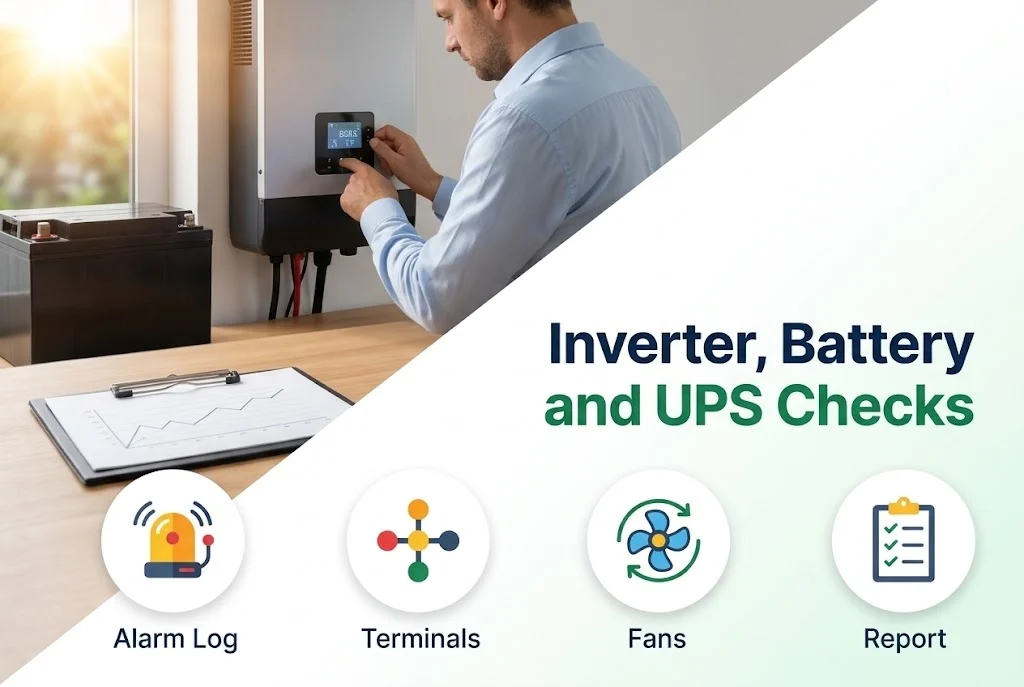
Inverters, batteries and UPS units work out of sight until the day they fail, so their health needs a regular look. A maintenance visit finds the small problems, such as heat, dust, loose terminals and weak cells, before they become a stoppage.
This guide lists the checks.
Key takeaways
- Alarm histories, settings and temperatures are read.
- Vents and fans are cleaned and checked.
- Batteries are inspected and tested under load.
- Everything found is recorded and explained.
Inverters
- Read the alarm and event history and the production figures.
- Check the display, the settings and the date and time.
- Look for heat marks, dust and insects, and clean the vents and fans.
- Check the connectors, the cables and the earth.
- Update the monitoring settings if needed.
Batteries
- Look at the cases for swelling, leaks and heat.
- Check the terminals for corrosion and tightness.
- Measure the voltage of each battery and the bank.
- Test under load where the system allows.
UPS units
We read the event log, check the load against the rating, test the transfer to the battery, check the fans and the filters, and look at the room temperature. A UPS that is always run near full load, or in a hot room, is flagged.
The report
After the visit we note what was checked, what was found and what we recommend, so that you can plan repairs and replacements. See checking and tightening connections for the electrical side.
When to call us
Ask for a maintenance visit and we will check your inverters, batteries and UPS units. Use the contact page, see our maintenance services, or look at the inverters we supply.
Leave a comment