
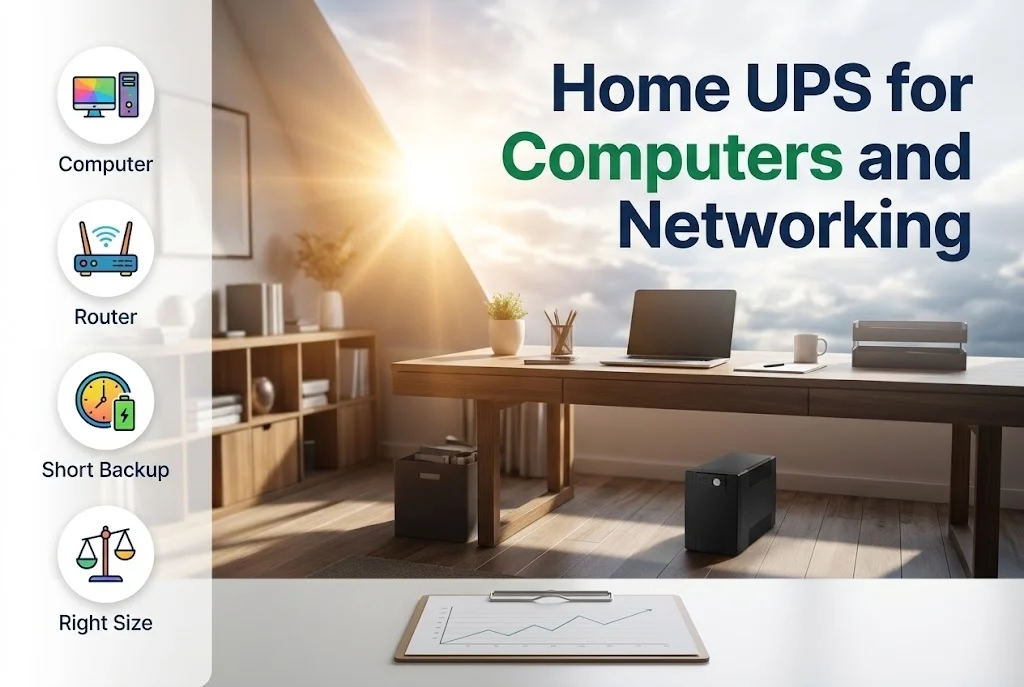
A small UPS sits between the wall socket and your computer. When the supply drops or fails, its battery takes over at once, so the computer does not switch off in the middle of work and you have time to save and shut down properly.
It also smooths small voltage changes, which are hard on electronics. Here is how to choose one.
Key takeaways
- A UPS gives short backup, from minutes up to an hour or so, not hours of running.
- Size is chosen from the power of the equipment in watts, not only the VA figure.
- A line-interactive UPS suits most home computers and routers.
- Keep heaters, irons and other heavy loads off the UPS.
What a UPS does for a home computer
A computer that loses power suddenly can lose unsaved work and, over time, damage files. A UPS gives the minutes needed to save and shut down, and keeps a router and modem running so that a call or a download is not cut off by a short break in the supply.
Choosing the size
UPS units are rated in VA and in watts. Add up the watts of the equipment that will be connected, which is written on the labels or in the manuals, and choose a UPS whose watt rating is comfortably higher, leaving some margin. The backup time then depends on the load and on the battery: a lighter load runs longer.
- A desktop computer and monitor, or a laptop and a router, are typical loads.
- A printer, especially a laser printer, draws a large current and is best left off the UPS.
- Air conditioners, heaters, irons and pumps do not belong on a small UPS.
Which type
Most home users choose a line-interactive UPS, which corrects small voltage changes without using the battery and switches to the battery in a cut. An offline UPS costs less and has little correction. An online UPS is used where the equipment is very sensitive, see the guide to online UPS.
Placing and caring for it
Put the UPS in a ventilated spot, away from direct sun, and plug it straight into the wall socket, not into an extension. Test it from time to time by switching off the wall socket and seeing that the equipment stays on, and expect to replace the battery after a few years.
When to call us
Tell us what you want to protect and we will recommend a UPS of the right size. Use the quote page, see our home UPS and backup solutions, or look at the UPS systems we supply.
Leave a comment